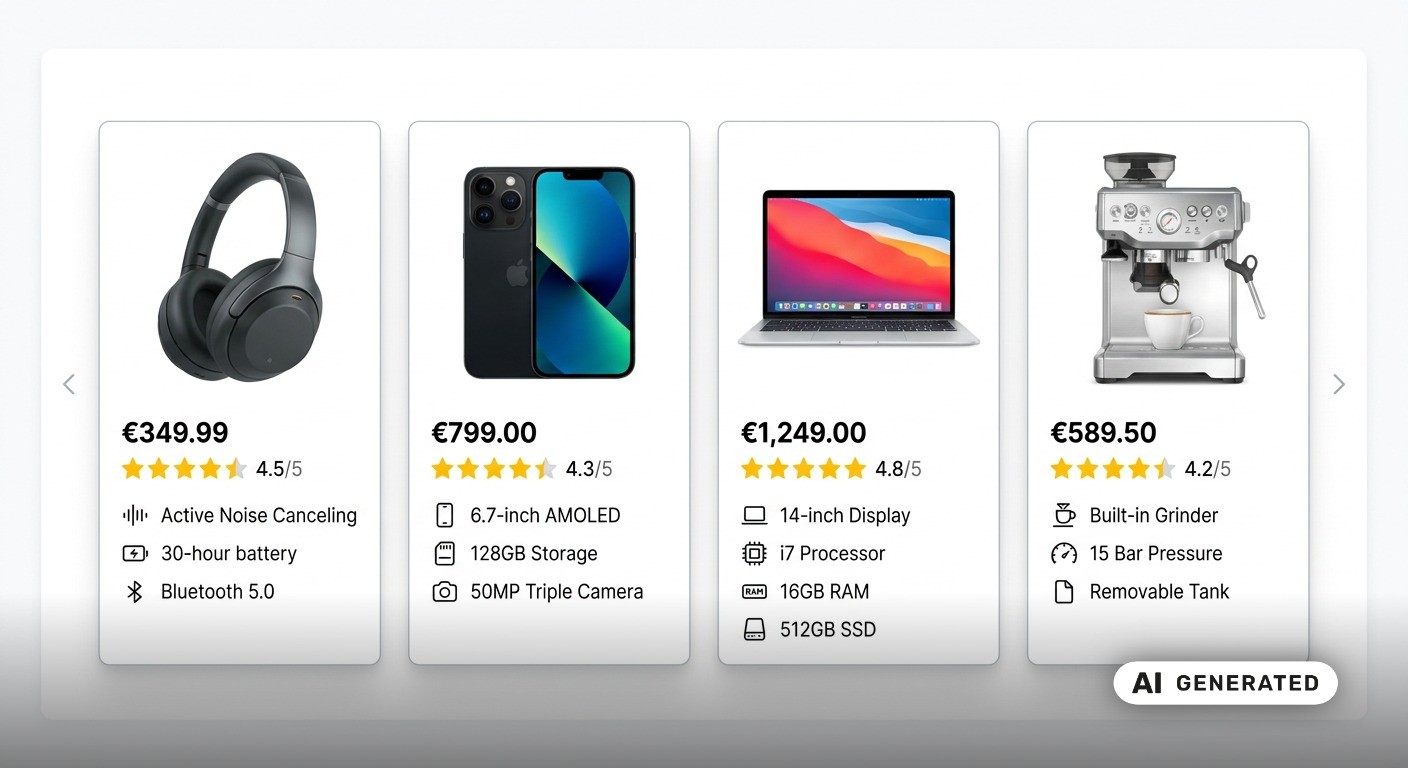
Google Discover is a personalized content feed within the Google app. It reaches more than 800 million active users monthly, offering enormous potential for website operators. By optimizing your content for Google Discover, you can increase your website's reach and attract new customers at the same time. However, to fully exploit the potential of Discover, the traffic must be tracked specifically. We will show you how to do this with Google Analytics 4 below.
How does Google Discover work?
In the Discover content feed, users are shown tailored content based on their individual interests. An algorithm determines these interests based on Google search queries, app activities, and previous location information. The feed is automatically updated and displays relevant news, blog articles, and videos without the need to actively search for them. Users can further personalize the feed by marking content as "interesting" or indicating that they want to see less of a specific topic.
Can Discover traffic be tracked in the Search Console?
A report for Discover traffic is available in the Google Search Console (GSC). Since GSC is not a tracking tool, the report provides only limited usable data. Often, traffic from Google Discover is not recorded at all, or pages are not displayed due to low click numbers. With Google Analytics, there are no such restrictions. The tool allows you to track traffic precisely, enabling you to build target audiences, analyze user behavior, and track conversions. Tracking Google Discover traffic in GA4 thus offers much more than just a general traffic overview. With a targeted analysis of user interests, you can make informed decisions for content optimization. This way, you learn which content particularly appeals to your target audience and can specifically build on it to sustainably increase reach and interaction. Read here why Google's EEAT criteria play a key role in the success of your SEO strategy.
What does AI say about your website? Test your content in the projx LLM Dashboard – with AI analysis, scoring & concrete optimization tips for better performance and comprehensibility. Check it now in the LLM Dashboard
How to Track Google Discover Traffic in Google Analytics
Google Analytics groups all types of Google referrers under the source "google". Without further settings, it is therefore not possible to determine how many of these page views come from Discover. The referrer URLs from Discover and Google Search differ significantly. Discover can be recognized, for example, by the referrer google.android.googlequicksearchbox and google.android.googlequicksearchbox/. However, when Analytics processes the data to create reports, these referrers are overwritten and assigned to the "Google" source. There is, however, a way to bypass this assignment and track Discover traffic precisely in Google Analytics.
Capturing Discover Traffic with GA4 - A Step-by-Step Guide
In Google Analytics 4, you can track traffic originating from Google Discover using event parameters. We will show you how, step by step:
Create a custom dimension
GA4 collects the "page_referrer" event parameter with the page_view event. This parameter makes it possible to identify all types of referrals. By default, the event parameter is not displayed as a dimension. However, by creating a custom dimension with the "page_referrer" parameter, you can view the values collected by the parameter. You can create the custom dimension as follows:
- Click on Admin > Custom definitions > Create custom dimensions
- Name the custom dimension Referrer or Page Referrer
- Add "page_referrer" as the exact event parameter
- Save the dimension
Rename referrer traffic from Google Discover
When you create a new report with the "Page Referrer" custom dimension, you should see after one to two days at the latest that the Discover traffic comes from com.google.android.googlequicksearchbox or android-app://com.google.android.googlequicksearchbox. To make this clearer, you can rename the value of the "page_referrer" event parameter to Google Discover if it contains com.google.android.googlequicksearchbox. This is done under Admin > Events > Modify event > Create.
Display Discover traffic in the Google Traffic Acquisition Report
As data is collected over time, you can view the traffic from Google Discover in your Traffic Acquisition Report. To display the Discover traffic in the report, you need to add the newly created "Page Referrer" dimension as a secondary dimension. To do this, type "Discover" into the table filter and press Enter. You will then receive a report showing the Discover traffic from Discovery ads and organic search results.
Making the Most of Google Discover with Google Analytics
Google Discover offers enormous potential to increase your website's reach and attract new customers. To use this traffic effectively, precise tracking in Google Analytics 4 is essential. While the Google Search Console provides only limited data, GA4 allows for a detailed analysis of Discover traffic through custom dimensions and event parameters. With the correct setup, you can accurately capture traffic and gain valuable insights into the performance of your content. Take advantage of the opportunities that Google Discover offers for your content, and use targeted tracking with Google Analytics 4 to optimally capture performance and user interests. projx supports you in setting up and optimizing your Analytics strategy so that you can efficiently achieve your marketing goals. Contact us at info@projx.de for an individual consultation and find out how you can leverage the full potential of Google Discover for your company. We also regularly offer webinars for Google Discover.