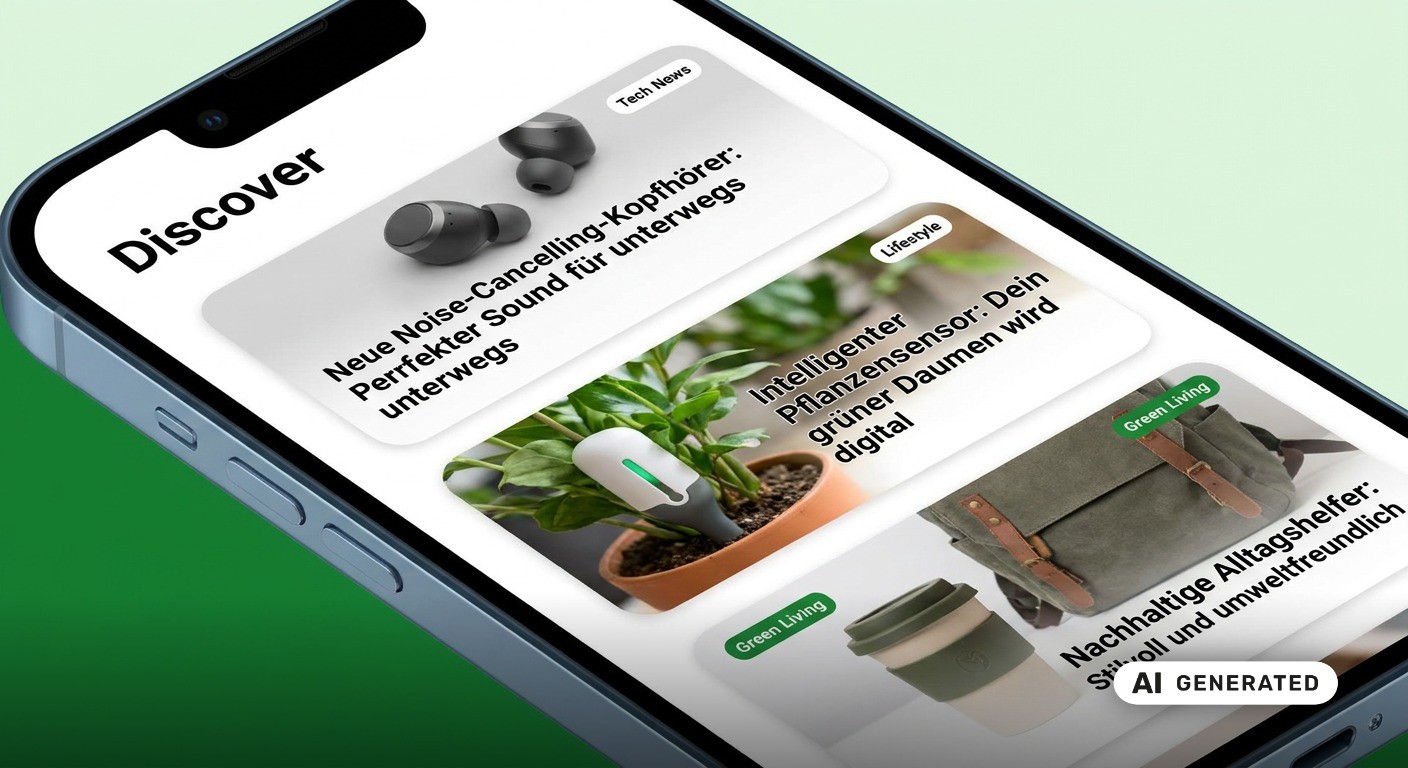

Is Google Discover possible on Shopify? Yes. The decisive factor is not the e-commerce platform, but the quality of the content and how it is delivered technically. In practice, however, Shopify stores rarely appear in the Discover feed. In our experience, this has less to do with the platform and more to do with editorial focus: Discover primarily displays articles and videos, so product pages often seem out of place there.
However, one technical building block is missing on Shopify: a News Sitemap, which allows Google to capture new articles specifically and promptly, is not included as standard. This is precisely where a planned tool from the Shopify agency Shopnative comes in, which the team states is currently being finalized.
In this article, we show you what is important for Google Discover on Shopify, which settings you should check in your store, and what role a News Sitemap plays in the process.
Is Google Discover possible on Shopify?
Yes. Google Discover is possible on Shopify because Discover does not impose any requirements on the e-commerce platform. According to Google, any content is eligible if it meets three conditions:
It is indexed: Google must know the page and have included it in its index.
It complies with Discover policies: According to Google, violations can even lead to manual actions in Search Console.
It fits into an interest feed: Discover prefers to show articles and videos. According to Google, Discover generally does not recommend forms, job applications, or petitions.
Google does not require special tags or structured data for Discover. We recommend them anyway, and we will explain more on that shortly. Whether Discover works for your store is therefore not decided by Shopify, but by what you publish and how your theme delivers it. The following overview shows what Shopify already provides and where you need to step in yourself:
Area | What Shopify provides | Your task |
Sitemap | Automatic sitemap.xml including blog articles | Submit sitemap in Search Console, do not run the store with password protection |
Preview image | The featured image of a blog article is used as the preview image; if an og:image tag is missing in the theme, Shopify generates it automatically | Give each article a large featured image with a minimum width of 1,200px, otherwise Shopify resorts to fallbacks, including the logo |
Large image preview | Not described as standard in the Shopify documentation | Check the source code to see if max-image-preview:large is set, and add the tag if necessary |
Structured data | Liquid filter structured_data, which outputs blog articles as schema.org Article, provided the theme uses it | Check the source code to see what markup is present, and expand it to NewsArticle with title, image, date, and author |
Editorial content | Integrated blog | Build a magazine with genuine guides, trending topics, and background stories |
Fast capture of new articles | No News Sitemap | Use a supplementary solution, such as the upcoming tool from Shopnative |
Sources for the table: Shopify Help Center on Sitemaps, Shopify Help Center on Social Sharing Images and Shopify Developer Documentation on page_image.
Our recommendation: Add NewsArticle markup
Even though Discover does not require markup, we use structured data of the NewsArticle type as standard for our clients. According to Google, Article markup helps to better understand a page and display titles, images, and dates more appropriately in Google Search and other Google services like Google News. There are no mandatory fields; you add the recommended properties that apply to your content. The most important ones are:
headline: the title of the article, as concise as possible, since long titles are truncated on some devices.
image: relevant images instead of logos, ideally several high-resolution variants with at least 50,000 pixels in the aspect ratios 16:9, 4:3, and 1:1.
datePublished and dateModified: initial publication and last modification in ISO 8601 format, preferably with time zone.
author: each person named on the page as a separate entry, with type and a URL that uniquely identifies them.
Shopify already provides a foundation with the structured_data filter, but only outputs articles as the general Article type. Therefore, check the source code to see if your theme already generates markup, and expand or replace this block instead of placing a second one next to it. Afterwards, check the code with Google's Rich Results Test.
Why Google Discover is worthwhile for Shopify stores
The following points make it worthwhile for merchants:
In Discover, people want to read, not shop: According to Google, Discover prefers content that is suitable for an interest-based feed, such as articles and videos. For stores, the path into the feed therefore leads through editorial content like guides, news, trend articles, background stories, or launch reports, rather than product detail pages. Above all, the decisive factor is a new perspective that is not just compiled from what is already known.
Focus can be an advantage: Google describes Discover as a thematic environment where expertise and content depth count. A website that covers a topic narrowly and precisely can thus be just as convincing as a more broadly positioned portal. For specialized brands, this is a clear opportunity.
Little competition among stores: According to our observations, only a few e-commerce brands consciously use Discover so far. Those who build a clean technical foundation and a resilient magazine early on are therefore still operating in a comparatively quiet environment.
Nevertheless, it remains important: Google itself describes Discover traffic as harder to plan and more volatile than traffic from keyword search. Discover should therefore be seen as a supplement. It does not replace a solid SEO strategy, but builds upon it.
What is a News Sitemap?
A News Sitemap is an extension of the classic XML sitemap. It helps news publishers specifically point Google to new articles and their metadata. The Google documentation on News Sitemaps provides two ways to do this: either the existing sitemap is supplemented with news tags, or a separate file is created exclusively for news articles. Google accepts both, though a separate file often makes evaluation in Search Console clearer.
Google's rules of the game
Only articles published in the last 48 hours belong in the News Sitemap. New posts are included immediately after going live. Google expressly advises against generating a new sitemap for every minor change to an article. There is no push-button turbo either: Google News states that it crawls News Sitemaps just as frequently as the rest of your website.
This information is mandatory
Mandatory tag
What belongs inside
<news:news>
Container for all news information, exactly one per URL
<news:publication>
Wrapper around the name and language of the publication
<news:name>
Name of the publication, exactly as it appears on your articles in Google News, without additions in parentheses
<news:language>
Language as an ISO 639 code, e.g. de for German content
<news:publication_date>
Original publication date in W3C format, not the time when the article was added to the sitemap
<news:title>
Title of the article as on the page, without author names, publication names, or date
Shopify Sitemap: What is generated automatically and what is missing
Shopify takes a lot of work off your hands when it comes to the classic sitemap. Every store automatically receives a sitemap.xml in the root directory of the domain. According to the Shopify Help Center, it links to separate sitemaps for products, collections, blogs, and pages, and updates itself as soon as you publish new content.
However, this convenience is not sufficient for a News Sitemap:
No news extension provided: The Shopify documentation describes content for products, images, pages, collections, and blog articles. A sitemap in news format with the 48-hour window is not part of the standard.
Automatic sitemap not editable: According to the Shopify Developer Forum, the automatically generated sitemap cannot be edited. Adding custom tags retrospectively is therefore out of the question.
Additional sitemaps can only be linked via robots.txt: According to the Shopify Developer Documentation, you can add further sitemap URLs via the robots.txt.liquid template. However, the News Sitemap itself still has to be generated and continuously updated somewhere, because articles older than 48 hours must be removed again.
Existing app solutions with a catch: Individual blog apps offer a News Sitemap. However, it applies to posts in the app's own blog system, which runs under an app proxy path like /a/blog/, and not to articles in the native Shopify blog.
All in all, to the best of our knowledge, merchants using the native Shopify blog currently lack a simple way to create a clean News Sitemap.
News Sitemap and Google Discover: How they really connect
One more clear classification: a News Sitemap is not an entry ticket to Discover. Content becomes eligible for Discover as soon as it is indexed by Google and meets the policies. Special tags or structured data are not strictly necessary for this, even if they can be useful depending on the setup. Nevertheless, this is not a guarantee for being displayed.
Why we still look at both topics together has to do with speed:
Discover likes timeliness: Google recommends content that matches current interests and trends, tells a story comprehensibly, or provides unique insights.
Google emphasizes the importance of expertise and depth: In the Google Search Central Blog, the company describes an update designed to show more in-depth, original, and timely content in Discover from websites that truly have substance in a topic. It was initially rolled out for English-speaking users in the US, with further countries and languages to follow.
No Discover without indexing: An article can only appear in Discover once Google knows about it. This is precisely where a News Sitemap helps as a signpost. According to Google News Help, it assists Google News in finding new articles faster and crawling them completely.
Our assessment: For time-critical store content, such as a product launch, a collaboration, or a seasonal trend, a News Sitemap can shorten the window between publication and indexing. This is not a guarantee. It is a clean signpost to the newest articles, but not a ranking booster and no substitute for content that users actually want to read.
Conclusion: Why a strong magazine on Shopify makes the difference
Google Discover can fundamentally be achieved on Shopify without changing platforms or building special workarounds. The decisive factors are editorial content in the store magazine, strong featured images, enabling the large image preview, thematic depth, and a clean technical foundation. The open construction site remains the missing News Sitemap, which specifically reports new articles to Google. It is precisely this gap that we want to close together with Shopnative in a new tool that should be available shortly. E-commerce brands that put these building blocks together tap into a channel that only a few stores are actively serving so far.
Would you like to position your store magazine for Google Discover and classic search? Together with you, we examine which content, which technology, and which priorities make sense for your store, and guide you through the implementation.
Schedule a non-binding initial consultation with our team!
* This article reflects our recommendations based on the Google and Shopify documentation valid at the time of publication. It serves as general information and does not replace an individual assessment. It does not constitute a guarantee for rankings or display in Google Discover.